Made for a teleprompter hood.
A mirrored script that follows your voice through the glass.
Mirrored for the glass
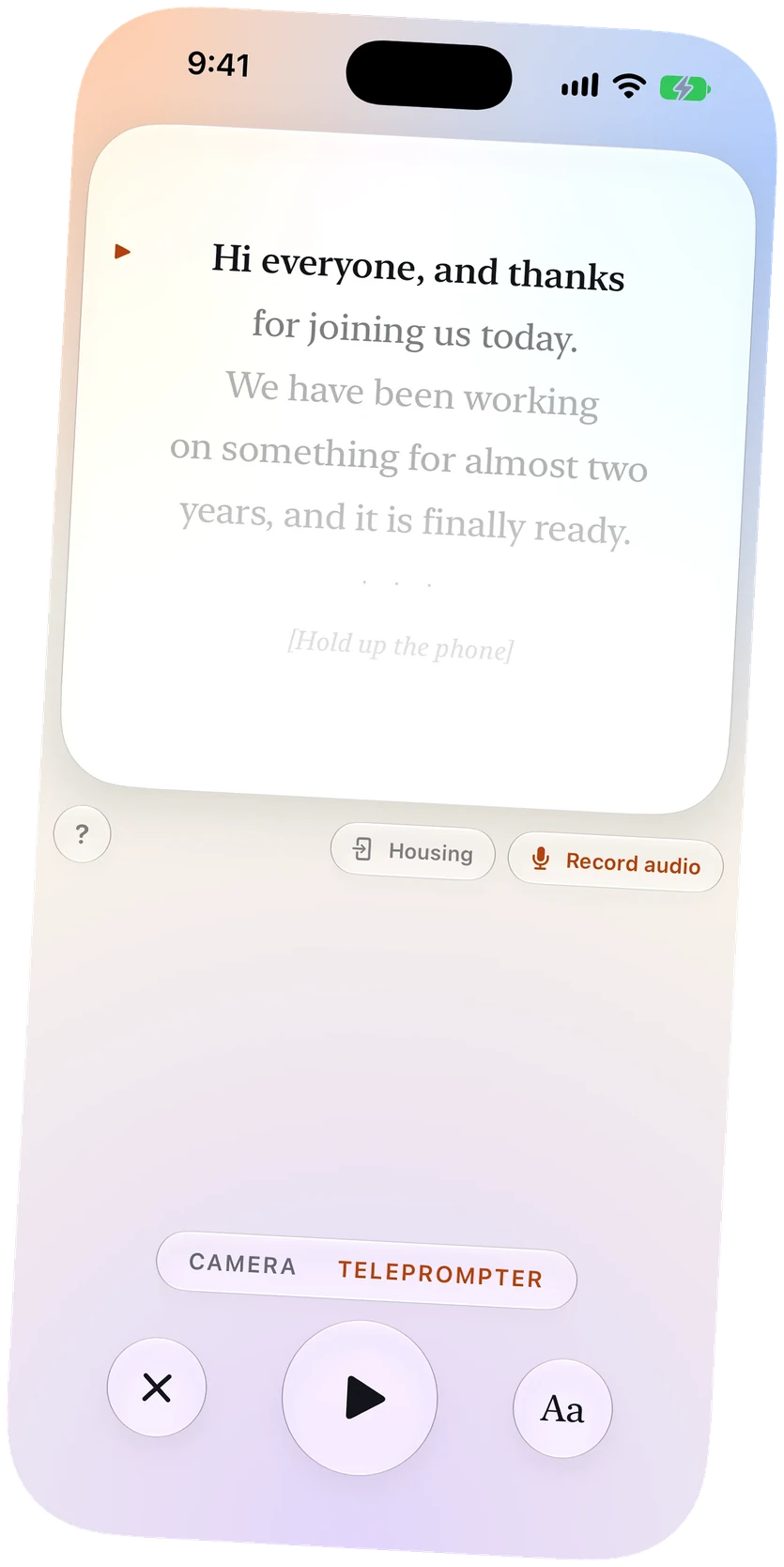
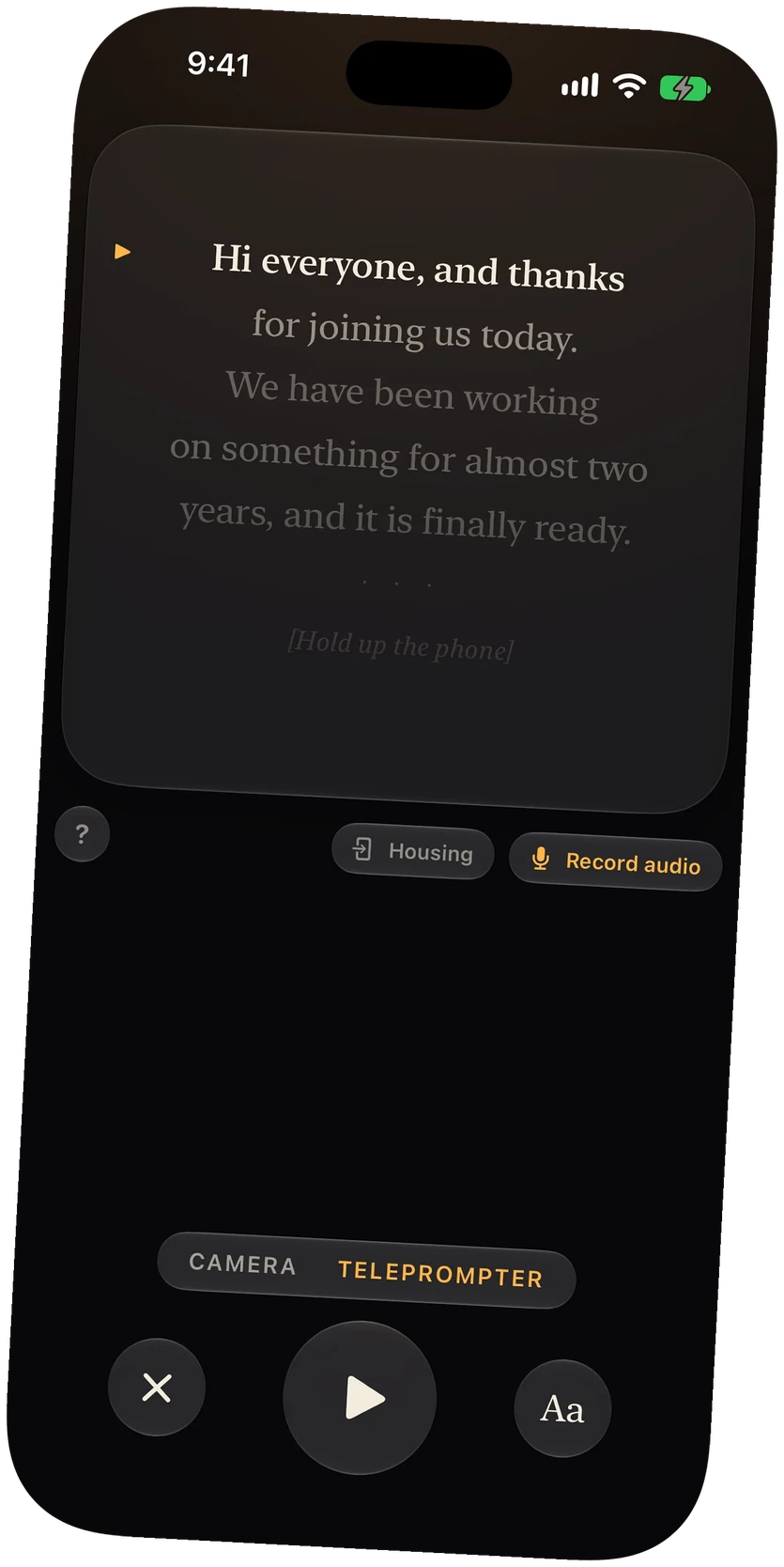
Housing mode flips the script so it reads the right way in the beam splitter in front of the lens.
Follows your voice
The script moves as you speak and waits when you stop, so you never set a scroll speed.
Set it down to start
The read can begin when you set your iPhone in the hood, so you are not reaching in to tap.
In the free version
Housing mode is part of every plan, with the Apple Watch remote added on Plus and Pro.
A teleprompter app for your hood
A teleprompter hood shows the script in a sheet of glass in front of the camera's lens. The glass reflects your iPhone's screen, so the text has to be mirrored to read the right way. OnPrompt's Housing mode does that.
No scroll speed to set
Most hood setups mean guessing a scroll speed and hoping you keep up. OnPrompt follows your voice instead: the script moves as you speak, stops when you pause, and finds your place if you skip a line.
Starting the read
Once your iPhone is in the hood it is out of reach. OnPrompt can wait until it has been set down and is still, then start the read. With Plus or Pro, your Apple Watch starts it and moves the script a line at a time.
Your camera, your choice
Use the hood with a camera of your own while your iPhone prompts, the way a broadcast teleprompter works. See the voice-following teleprompter and the Apple Watch remote.
Questions
Does OnPrompt mirror the text for a beam splitter?
Yes. Housing mode mirrors the script so it reads correctly in the glass.
Do I need to set a scroll speed?
No. The script follows your voice.
How do I start reading with my iPhone inside the hood?
Set your iPhone in place and OnPrompt can start once it is still, or start it from your Apple Watch with Plus or Pro.
Is Housing mode free?
Yes. It is part of OnPrompt's free version.