Run the take from your wrist.
Start, stop and steer the script from your Apple Watch.
Start and stop
Record, pause and stop the take without walking back to your iPhone.
Line by line
Move the script a line forward or back from the watch whenever you want to.
Frame the shot
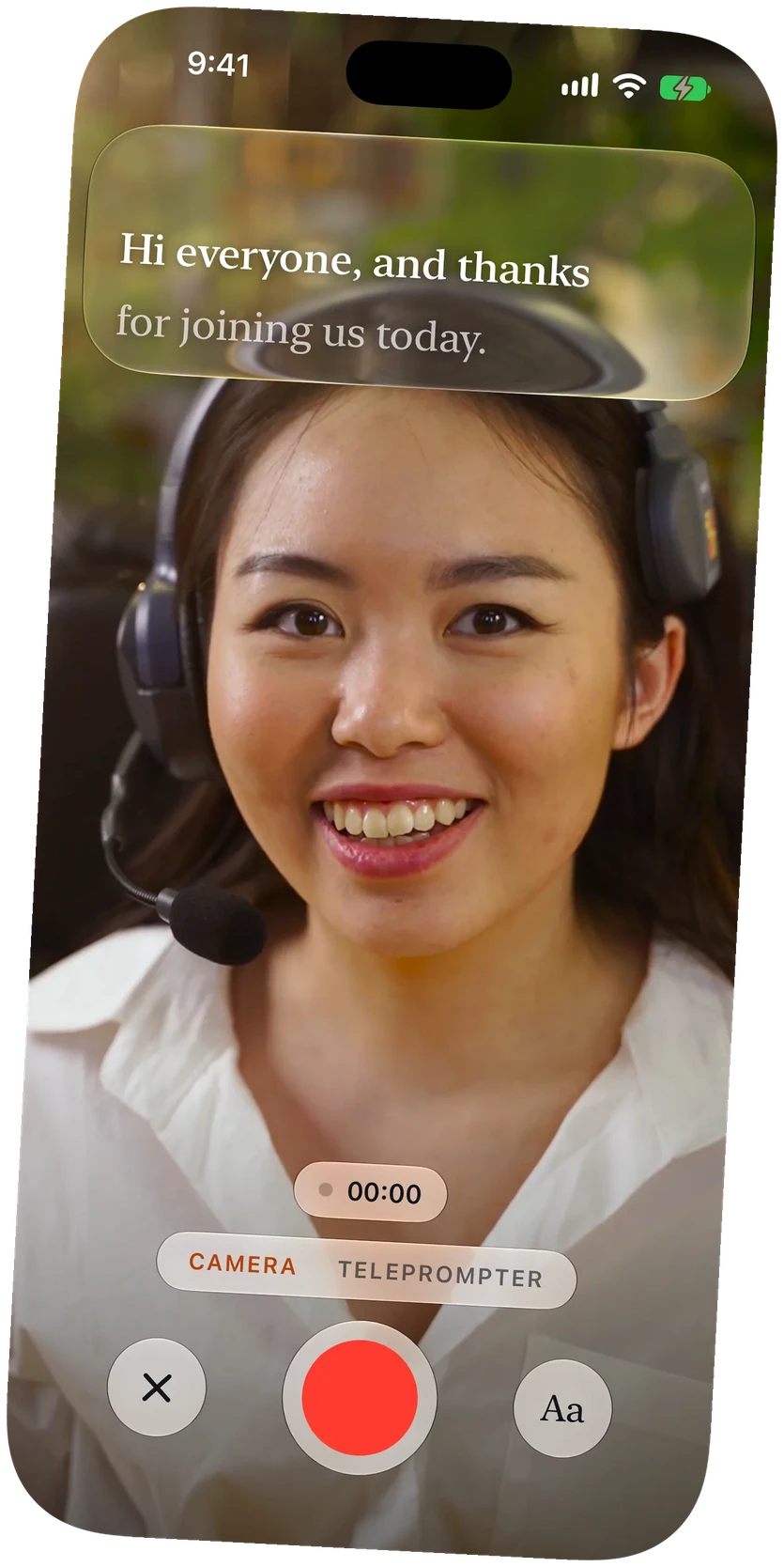
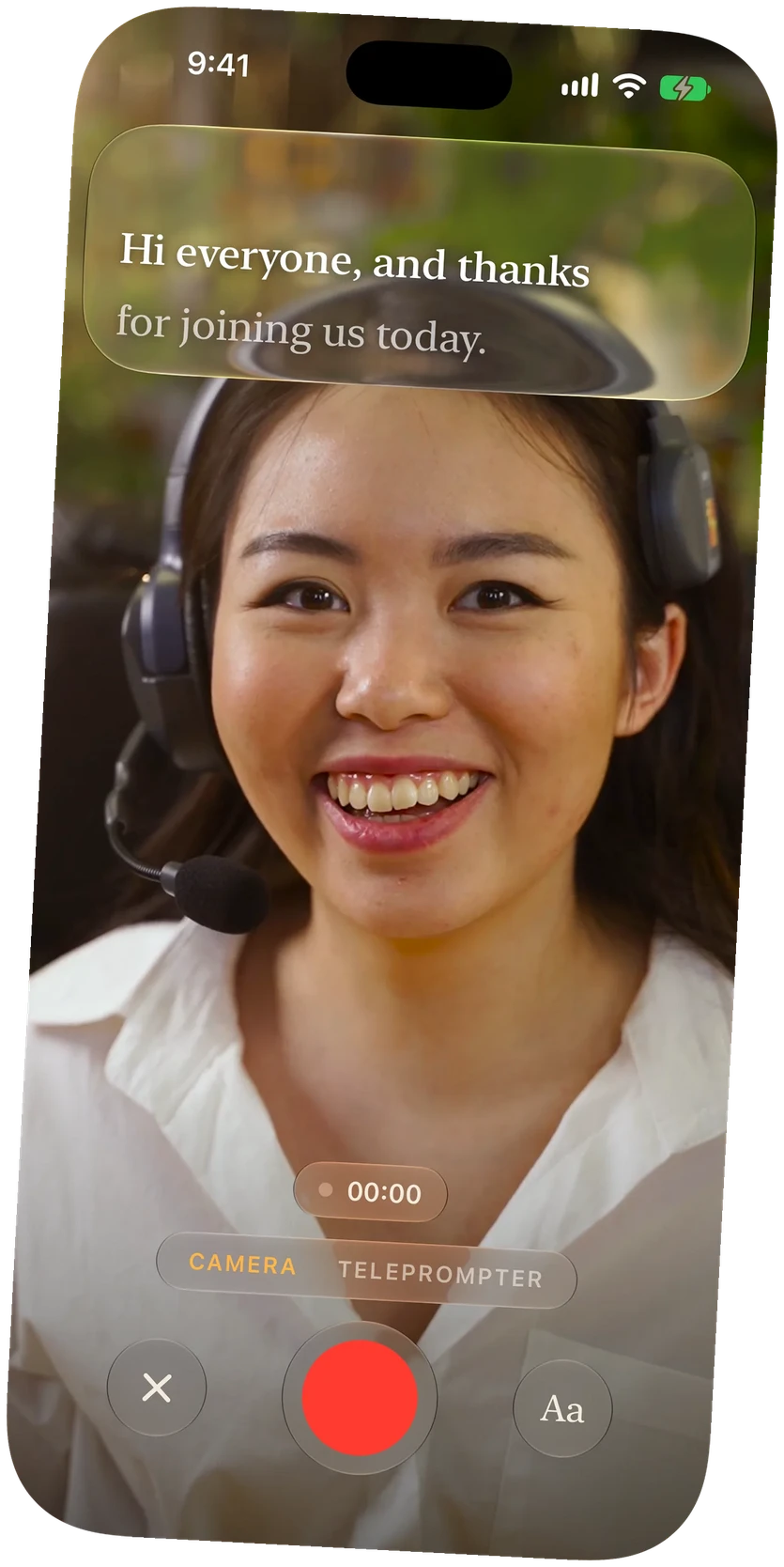
In Tripod mode the watch shows what the camera sees until the take starts.
A countdown
Pick a countdown of 3 to 30 seconds, time enough to get back in place.
An Apple Watch remote for your teleprompter
Set your iPhone on a stand or in a hood and you are no longer in reach of it. OnPrompt's Watch app puts the controls on your wrist: start the take, stop it, pause the script, and move it a line at a time.
Tripod mode
With your iPhone on a stand in Camera mode, turn on Tripod mode. Your Apple Watch shows the camera's shot so you can step into frame and check it. Press record on the watch, the countdown runs on both, and once recording starts the watch becomes a plain remote while your iPhone records and follows your voice.
In a teleprompter hood
With your iPhone in a hood or used as the prompter for another camera, the watch starts the read and moves the script, so you never reach behind the glass.
Part of Plus and Pro
The Apple Watch remote and Tripod mode come with OnPrompt Plus and Pro. Plus is $3.99 a month or $39.99 a year, Pro is $7.99 a month or $79.99 a year, and both start with a free month. See pricing.
Questions
What does the Apple Watch remote control?
Recording, pausing, and moving the script a line forward or back.
What is Tripod mode?
A way to record yourself with your iPhone on a stand. Your Apple Watch shows the camera's shot for framing, runs a countdown, then works as a remote while your iPhone records.
Which plan includes the Apple Watch remote?
Plus and Pro.
Does my iPhone send video to the watch?
Only in Tripod mode, before recording starts, so you can frame the shot. It stops when the take begins.